Home How it works Showcase Visual moods Output Pricing Free · €4.99 Pro Manifesto Open LumaDeck
Free · No install · Works now

Visuals on screen.
30 seconds.
No VJ needed.

LumaDeck turns any DJ set into a visual show — open your browser, pick a mood, and your name is on the projector in 30 seconds.

Works everywhere
HDMI · WiFi · Fullscreen
Audio reactive
€0 Free forever Pro from €4.99/mo See plans ↓
lumadeck.app
lumadeck.app
LumaDeck visual performance — mobile view
30s
From open to projecting
76
scenes — and growing
6
Visual moods — every genre covered
48
Launch pads per show

This is what your
audience sees.

Real screenshots from LumaDeck. Every frame is generated live, reactive to the music, with your branding on screen.

LumaDeck — turn sound into visual motion
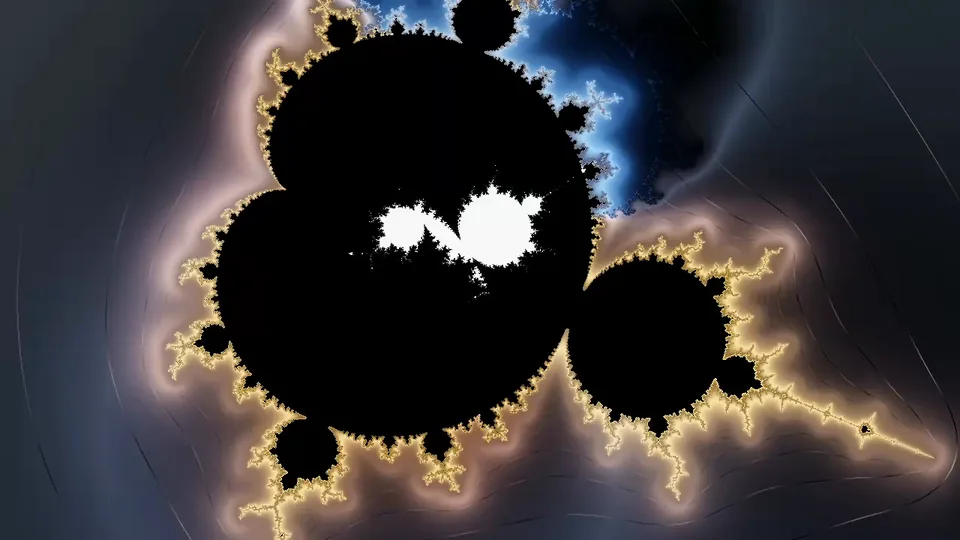
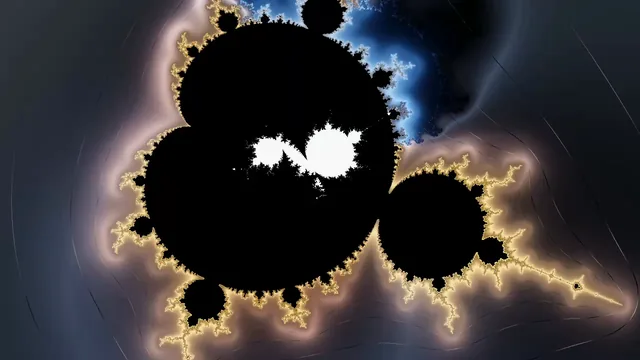
Fractal visual — red and gold fire
Ambient mood — blue and gold organic textures
Laser mood — orbiting golden particle chain
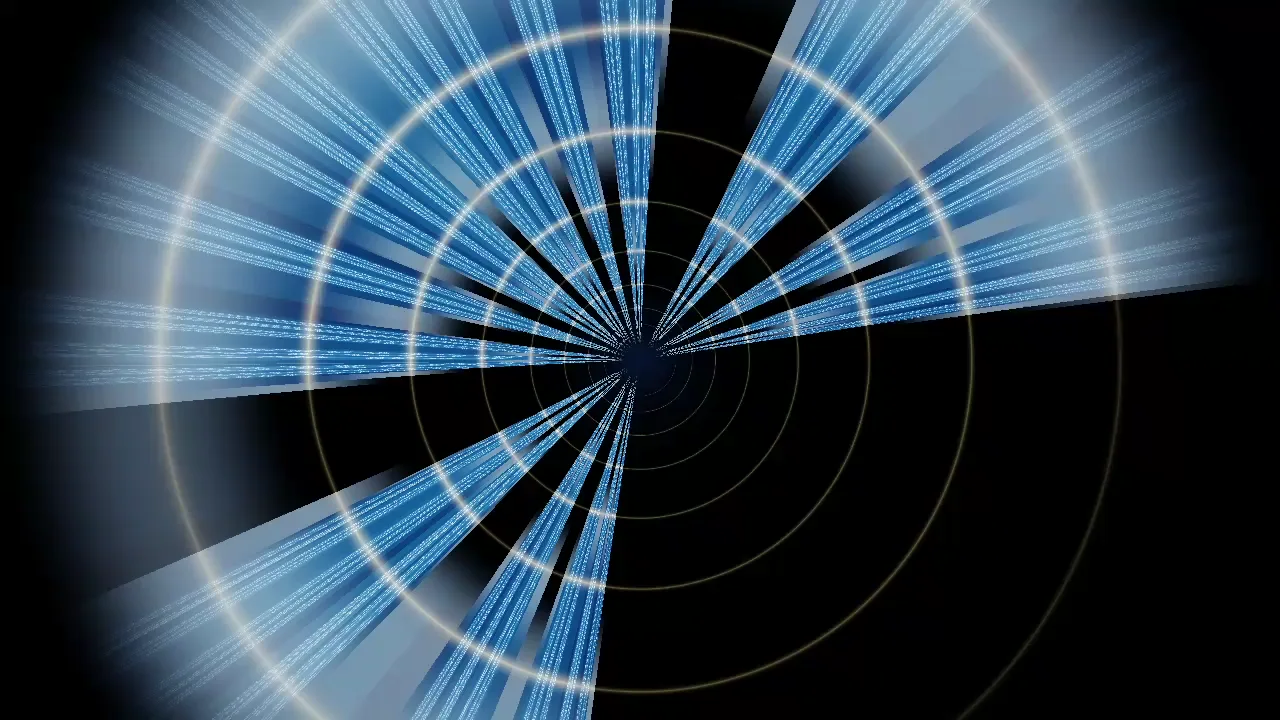
Golden spiral tunnel — audio reactive

Seven steps.
Thirty seconds.

Designed around a single promise: by the time the opening track drops, your visual show is already running.

STEP 1
Stage
Pick a visual mood. Techno, Rave, Ambient, Hip-Hop, Laser, Festival. That's your canvas for the night.
STEP 2
Media
Load your folder of video loops — or skip and use the 76 built-in generative scenes. No encoding needed.
STEP 3
Brand
Type your DJ name and event. Pick a text FX — Glow, Flash, Zoom, Glitch. Set the interval and forget it.
STEP 4
Output
Choose where the visuals go: full-screen on this device, HDMI to the projector, or a second browser window on any display.
STEP 5
Color
Pick a palette or dial a custom hue. Every scene in the mood shifts instantly — one knob controls the whole look.
STEP 6
Auto
Enable Auto Conductor. It rotates scenes, fires pads and triggers text cues automatically. Set it once — it runs all night.
STEP 7
Play
Press play. The visuals breathe with the music. You focus on the set.

Built for the stage,
not for the studio.

Every feature was designed for real gig conditions — dark rooms, fast decisions, zero tolerance for crashes.

Audio reactive visuals
Real-time beat detection and energy analysis. The visuals breathe with the music — not in a generic way, but with responses tuned per mood. Drop a techno kick and the laser grid contracts. Build a festival crescendo and the whole visual explodes.
Julia set fractal — blue ambient visual on tablet
Load your own loops
Select a folder of MP4, MOV or GIF loops from your device. LumaDeck blends them with the generative visuals and audio reactor. Your content, your aesthetic — the engine just makes it move to the music.
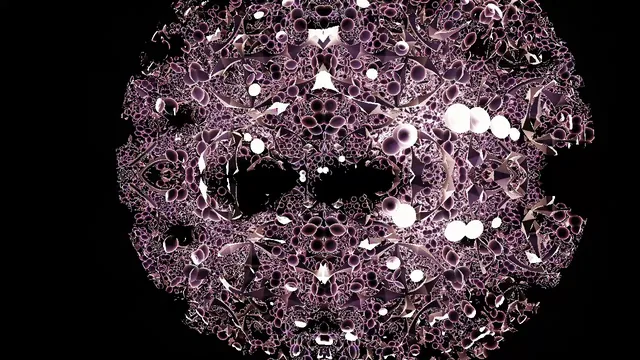
Golden orbit trap fractals — tablet view
Branding with FX
Your name. Your event. On screen, with the right energy. Glow, Flash, Zoom, Slide, Wave, Glitch, Fade, Pulse — eight FX options. Set the interval and LumaDeck handles the timing so you don't have to think about it during the set.
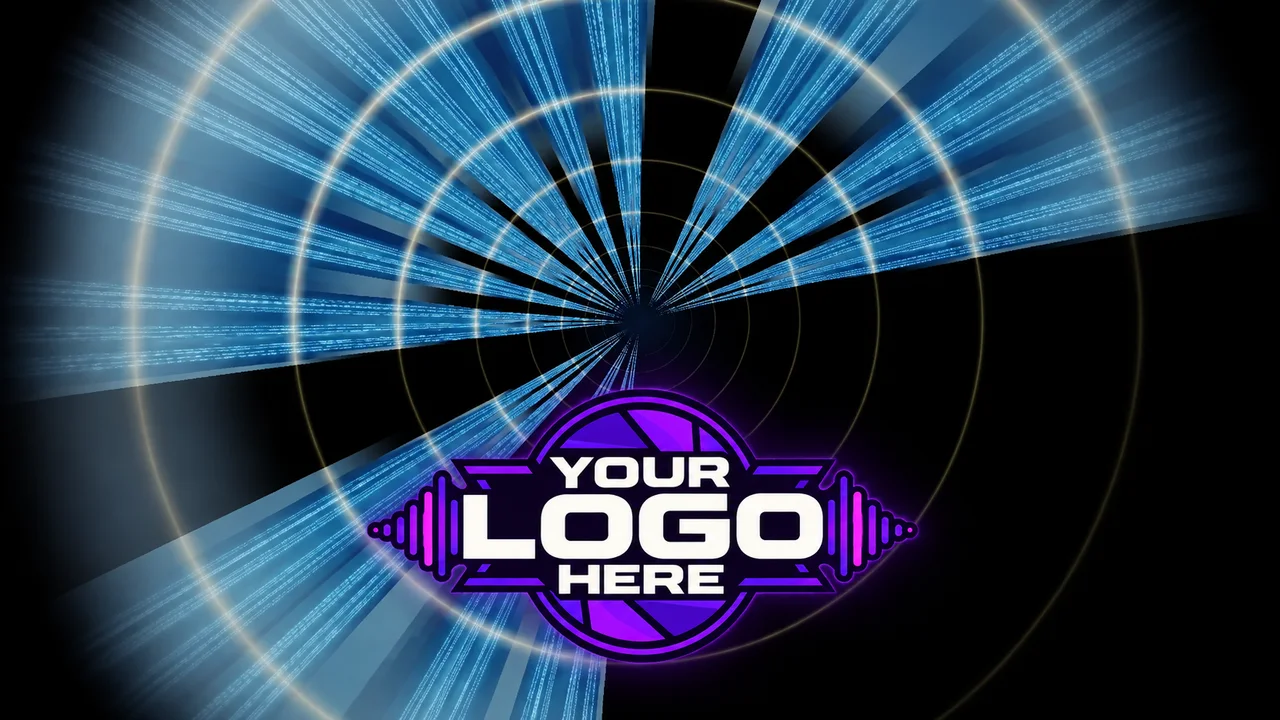
DJ branding with FX — name on screen
Three output modes
Full-screen on your device, HDMI to external display, or second browser window you can drag to any screen. No adapter dongles required for the basic flow — if your laptop is already connected to the projector, that's enough.
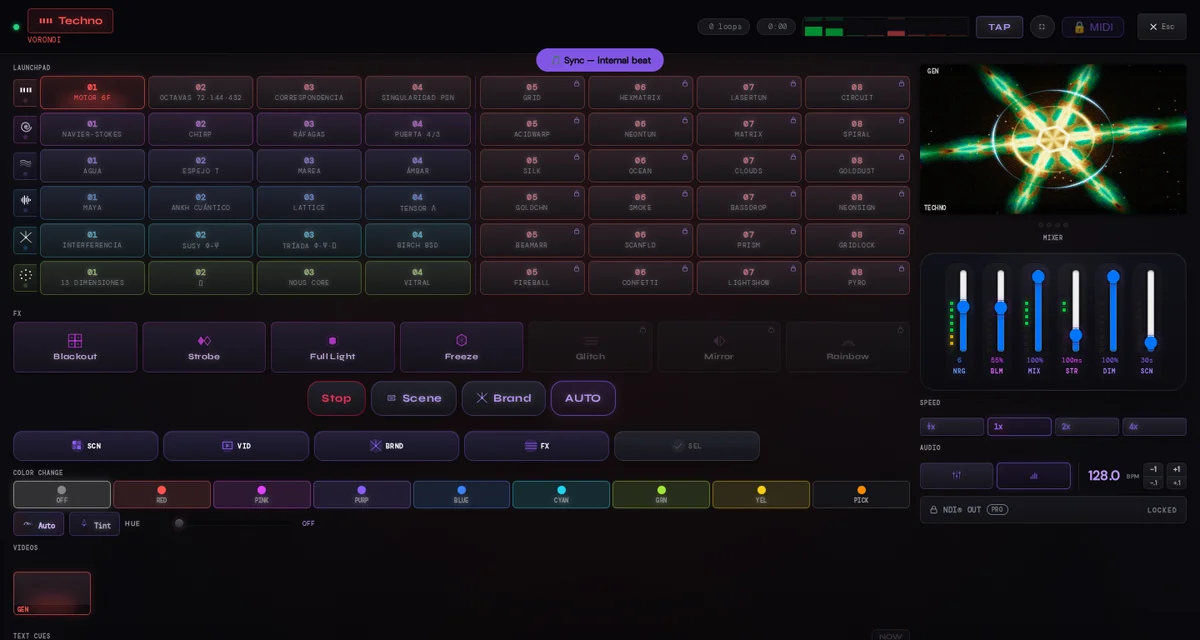
LumaDeck master view — 48 pads + mixer extended
Web app — no install, no update, no app store
Open a browser, go to lumadeck.app, and it works. On Mac, Windows, iPad, Android tablet — anything with a modern browser. No download, no update prompt right before the show. The app always runs the latest version because there's no version to manage.
LUMADECK — Your show in your pocket
Auto Conductor
Set scene sequences, loop rotations, FX and text cues to fire automatically — synced to your music. Set it up once before the gig, let it run all night.
Pad Organizer
48 launch pads arranged by mood. Load your own video loops or use built-in scenes. Long-press any pad to assign a custom loop.

Six moods.
Every genre covered.

Each mood is a distinct visual engine — different geometry, different color logic, different response to the audio. Not presets on the same renderer.

Techno
Geometric grid, angular patterns, monochromatic energy pulses reacting to the kick.
Electronic · Industrial
Rave
Tunnel depth, rotating color rings, strobe bursts synced to beat transients.
Hardcore · Trance · Drum & Bass
Ambient
Fluid light blobs, slow color migrations, particle constellations that breathe with the mix.
Ambient · Chill · Downtempo
Hip-Hop
Particle explosions on the snare, warm color palette, energy bursts on drops.
Hip-Hop · R&B · Trap
Laser
Radial laser beams from center, rotating grid, bloom on bass hits.
House · Tech House · Minimal
Festival
Radial burst explosions, multi-color palette, maximum visual density for peak moments.
EDM · Pop · Open Air

Every screen.
Any venue.

Whether you're at a festival main stage or a bar backroom with a borrowed projector — LumaDeck finds a way to the screen.

One screen to control.  One screen to project.

This screen
Full-screen mode on the device you're using. Flip it landscape, point it at the crowd. Works instantly — no cables, no setup.
Always available
HDMI / External display
Connect a cable to the projector or LED panel. LumaDeck extends to the second screen automatically — your controls stay on the first.
Plug and play
Second window
Open a second browser window and drag it to any connected display. Full-screen quality, your controls stay on the main screen.
Available now

Engine specs.
No compromises.

Every technical decision here exists for one reason: so your show never breaks.

Visuals on GPU. Real 60fps.
  • 76 unique scenes, each with its own movement
  • Quality auto-adjusts on the fly if your GPU struggles
  • Smooth transitions designed for live performance
Detects the beat. Reacts to the pulse.
  • Mic, line-in or internal demo input
  • Auto BPM with manual tap-tempo override
  • Visuals, colors and FX follow the energy of the track
From laptop to projector. No fuss.
  • Dual screen: controls here, show on HDMI
  • Fullscreen and floating window for booth or streaming
  • The show keeps running if you switch tabs
Your loops, mixed with the music.
  • MP4, WebM, MOV and GIF — no conversion needed
  • Beat-cut or crossfade with configurable duration
  • Video and generative live in the same show
Your name on screen. With timing.
  • Logo, name, fonts and colors all configurable
  • 8 entrance FX for overlays
  • Frequency and duration control during the show
Built for live. Not for demo.
  • No install needed for the web version
  • Offline once loaded — WiFi drop won't stop the visuals
  • Zero video upload to server: your media stays on your device

Not another
VJ tool.

Desktop VJ suites are powerful — for professional VJs who spend hours building shows. LumaDeck is for the performer who needs visuals in 30 seconds.

Feature LumaDeck Desktop VJ suites Browser visualizers Streaming overlays
No install · browser ✓ Web app ✗ Install required ✓ Browser ✗ Install required
Ready in 30 seconds ✓ Yes ✗ Hours ~ Minutes ~ Minutes
Load own video folder ✓ Native ✓ Yes ✗ Limited ✓ Yes
Performer name branding ✓ Built-in FX ~ Manual setup ✗ No ~ Via overlay
Audio reactive out of box ✓ Auto ~ Manual mapping ✓ Yes ✗ No
Free tier ✓ Full app ✗ Paid only ~ Trial only ~ Limited
Auto sequencer ✓ Built-in ✗ No ✗ No ✗ No
Learning curve Zero Very steep Easy Steep

Simple. Honest.

Start free — your show is always on. Upgrade when you're ready.

Free
€0 forever
Everything you need to project tonight. No credit card. No signup required.
The full engine, free. All 6 moods, 76 scenes and beat-reactive visuals — no signup, no ads. Pro adds the pro tools and removes the watermark.
  • App always fully functional
  • All 6 visual moods
  • 24 audio-reactive base scenes
  • Load a video loop as a visual layer
  • DJ & event branding text
  • Fullscreen, HDMI & second window output
  • Beat-reactive audio (mic · line · demo)
  • Small watermark on screen
Launch free
Available now · Free · No signup required

The stage
is waiting.

The drop hits. The fractal explodes. Your name is on the screen. That is the moment LumaDeck was built for.

Got questions?
We got answers.

If your laptop runs Chrome, Firefox, Safari or Edge from the last 5 years, yes. LumaDeck uses WebGL which is supported on virtually every modern device — Mac, Windows, iPad, Android tablets, even Chromebooks.
No. LumaDeck is optimized for integrated graphics. It runs smoothly on a MacBook Air, a Surface Go, or a 5-year-old laptop. If you have a dedicated GPU, you'll get even better performance.
Not really. The free version is the full engine — all 6 moods, 76 scenes, beat-reactive audio, fullscreen and HDMI output, no time limit. It just carries a small watermark in the corner. Pro removes it and adds the pro tools (FX, 48 pads, cloud sync).
Once LumaDeck loads, it runs entirely in your browser — no internet needed. Your visuals keep running even if WiFi drops. The only thing that needs internet is saving shows to the cloud.
Three ways: (1) HDMI cable from your laptop — LumaDeck detects the second screen automatically. (2) Open a second browser window and drag it to the projector. (3) Use Cast to send visuals over WiFi.
Yes. No contract, no commitment. Cancel from your dashboard anytime and you keep Pro until the end of your billing period. After that, you go back to Free — your shows are still saved.